
One thought, captured
A calmer way to follow through
The small commitments are easy to lose. OutVQ gives them a considered home, without making another demand on your attention.
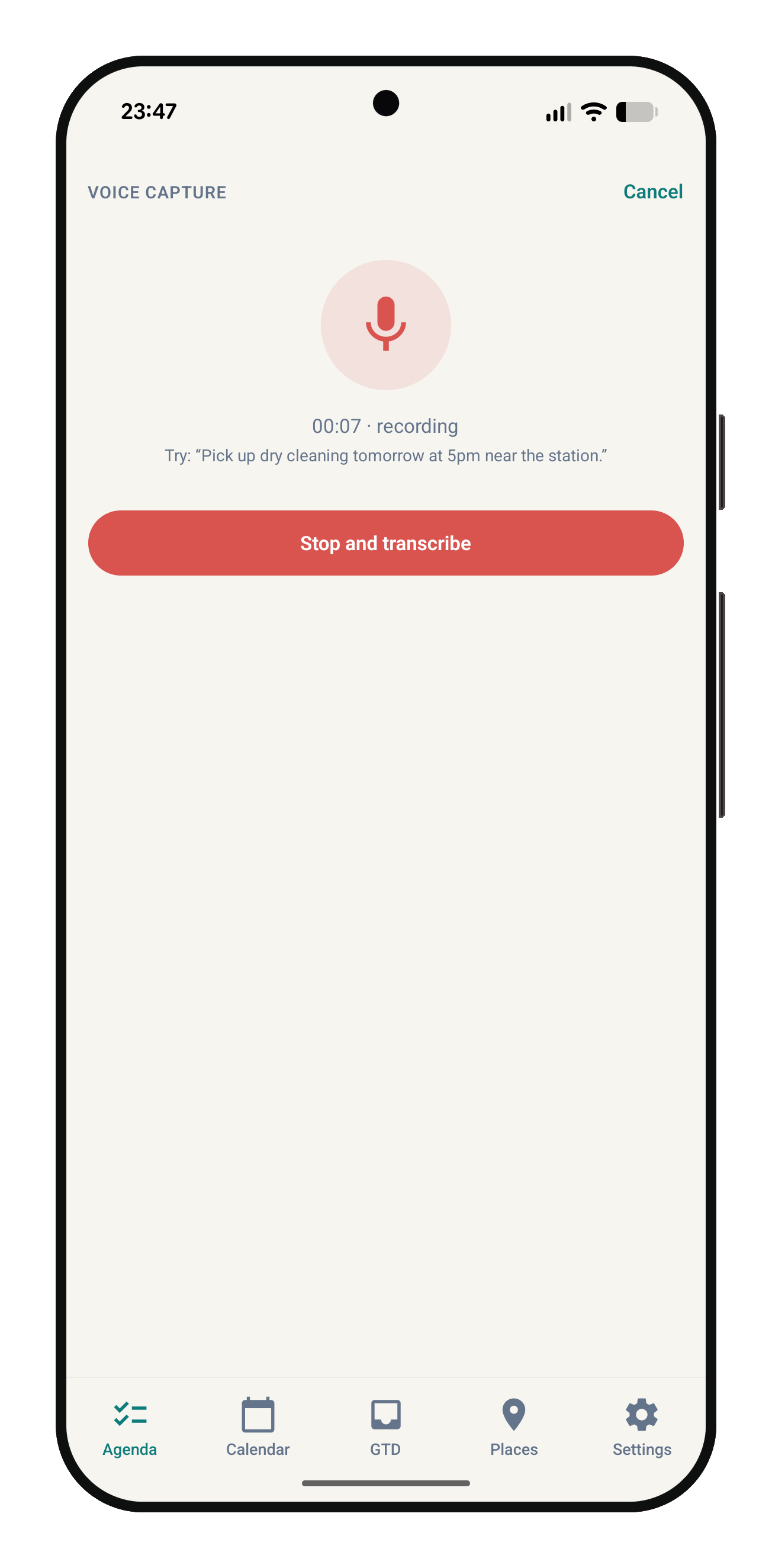
Record a thought, then choose “Stop and transcribe” to turn it into text.
Designed for real life
Less mental clutter, more follow-through
OutVQ is built for the small commitments that are easy to lose and the unfinished tasks that keep taking up headspace.
- Scattered reminders
- Bring tasks, shared links and quick notes into one place instead of relying on memory or a collection of apps.
- Forgotten commitments
- Give a task a date, time or place so the right reminder appears when it can actually help.
- Ideas you cannot type
- Capture a thought by voice when your hands are busy, then review the transcription before saving it.
- Unclear next steps
- Sort commitments into useful buckets and see what deserves attention next.
Built to move with you
Functionality that keeps tasks moving
Everything starts simple, then stays useful when a task needs a little more context.
- Quick capture
- Add a task in seconds, or share a link, file or text into OutVQ from another app.
- Voice capture
- Speak naturally and turn the recording into text that you can check and edit before saving.
- Due dates and reminders
- Choose a date and time and get a reminder on your phone when the commitment is due.
- Place-based reminders
- Attach a place to a task and, if you switch it on, get a nudge when you arrive nearby.
- GTD-style buckets
- Use Inbox, Next actions, Projects, Waiting for, Someday/Maybe, Reference and Done to decide what happens next.
- Private by default
- Your tasks and attachments stay on your device. There is no account or sign-up required.
See it in use
Focused by design
See voice capture, OutVQ’s reminder and permission settings, Android’s app information screen, and the in-app guide to organizing tasks.
Speak a taskThe voice-capture screen shows the recording duration, an example phrase, and the “Stop and transcribe” button. 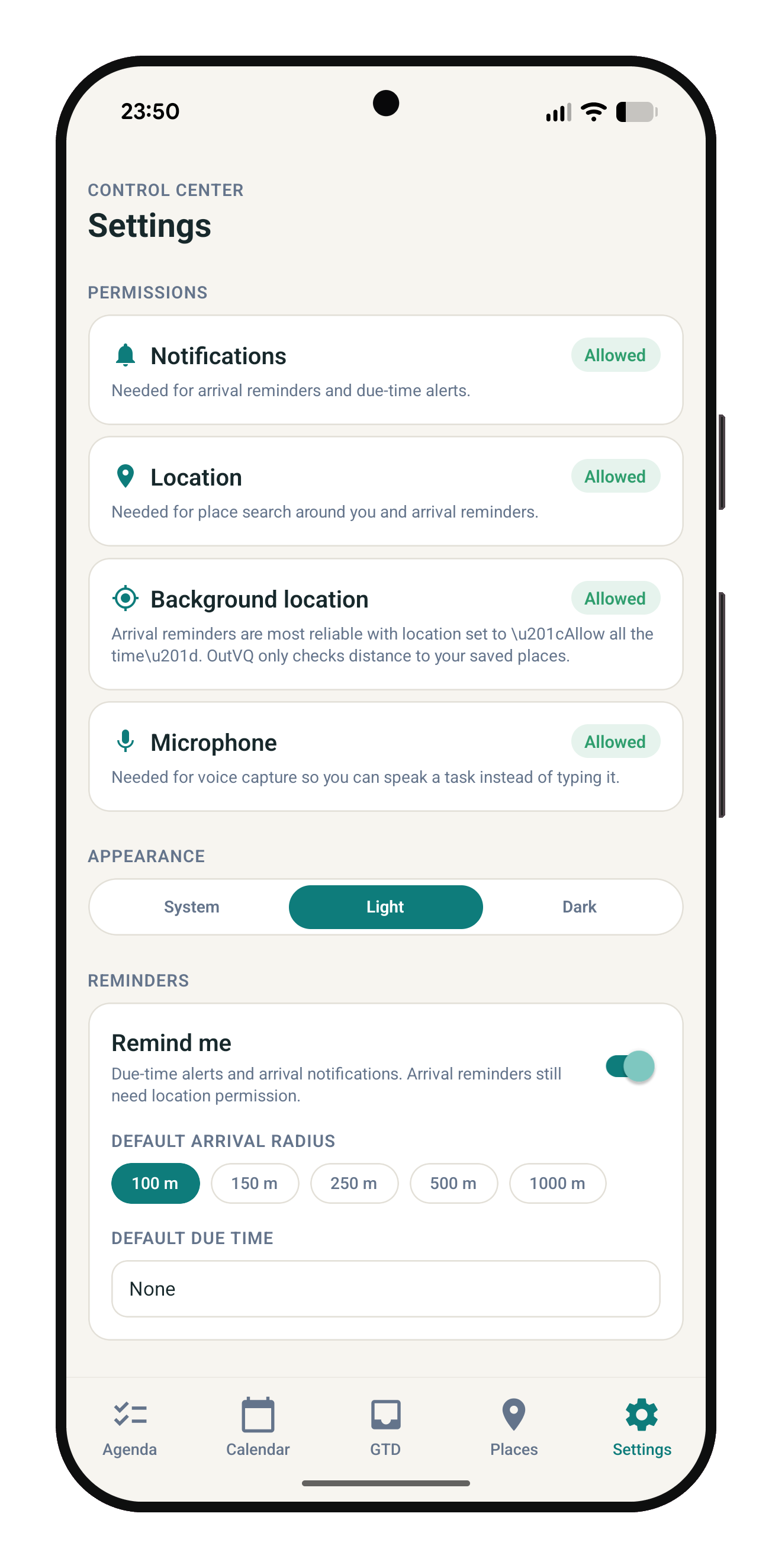
Settings in one placeThe in-app Control Center shows Notifications, Location, Background location and Microphone as allowed in this example. It also offers appearance choices, a reminder toggle, arrival-radius presets and a default due time. 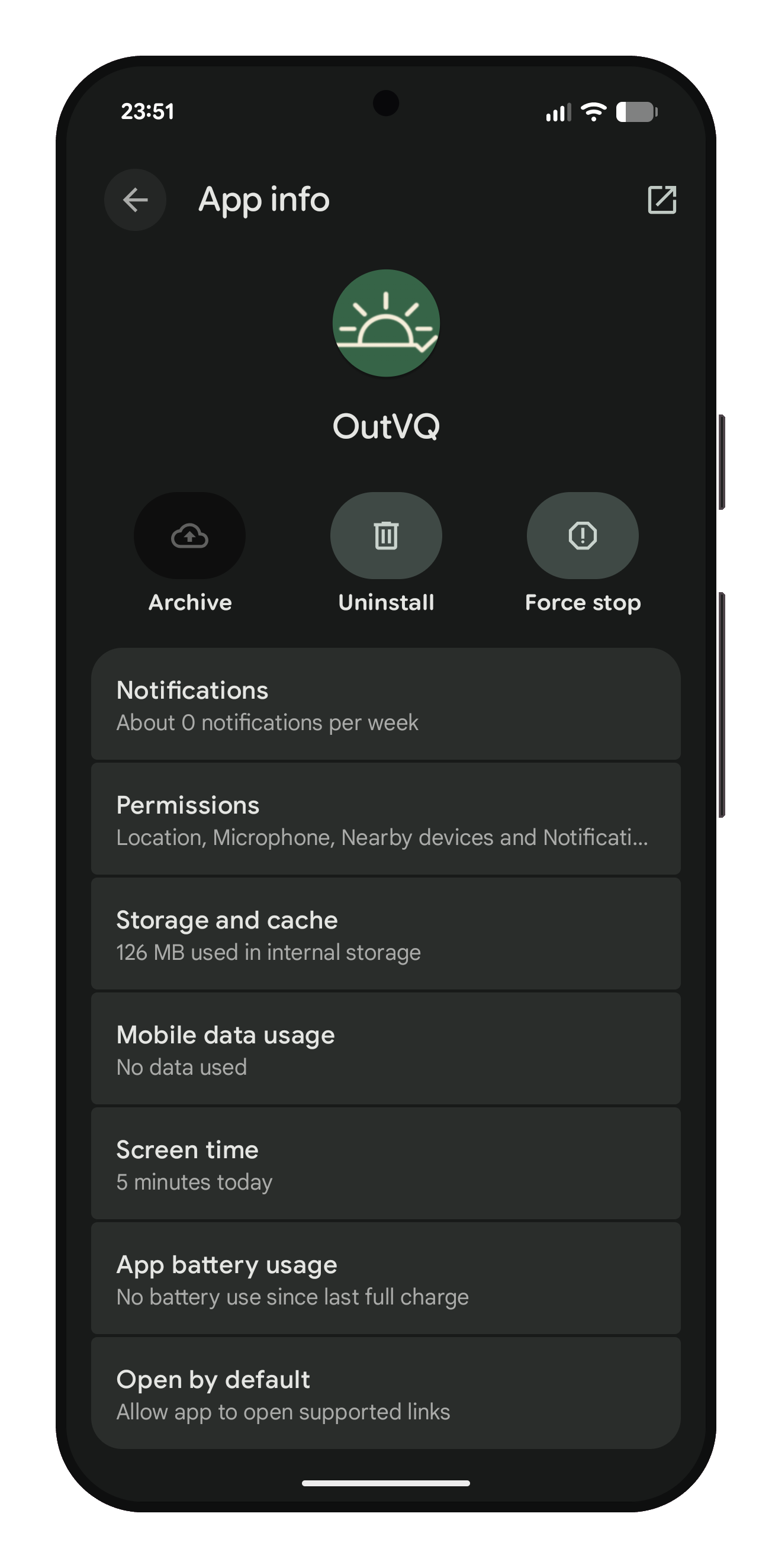
Android app informationThis is Android’s system App info page, with controls for notifications, permissions, storage, mobile data, battery use and supported links. The usage figures shown are a snapshot and can vary by device and use. 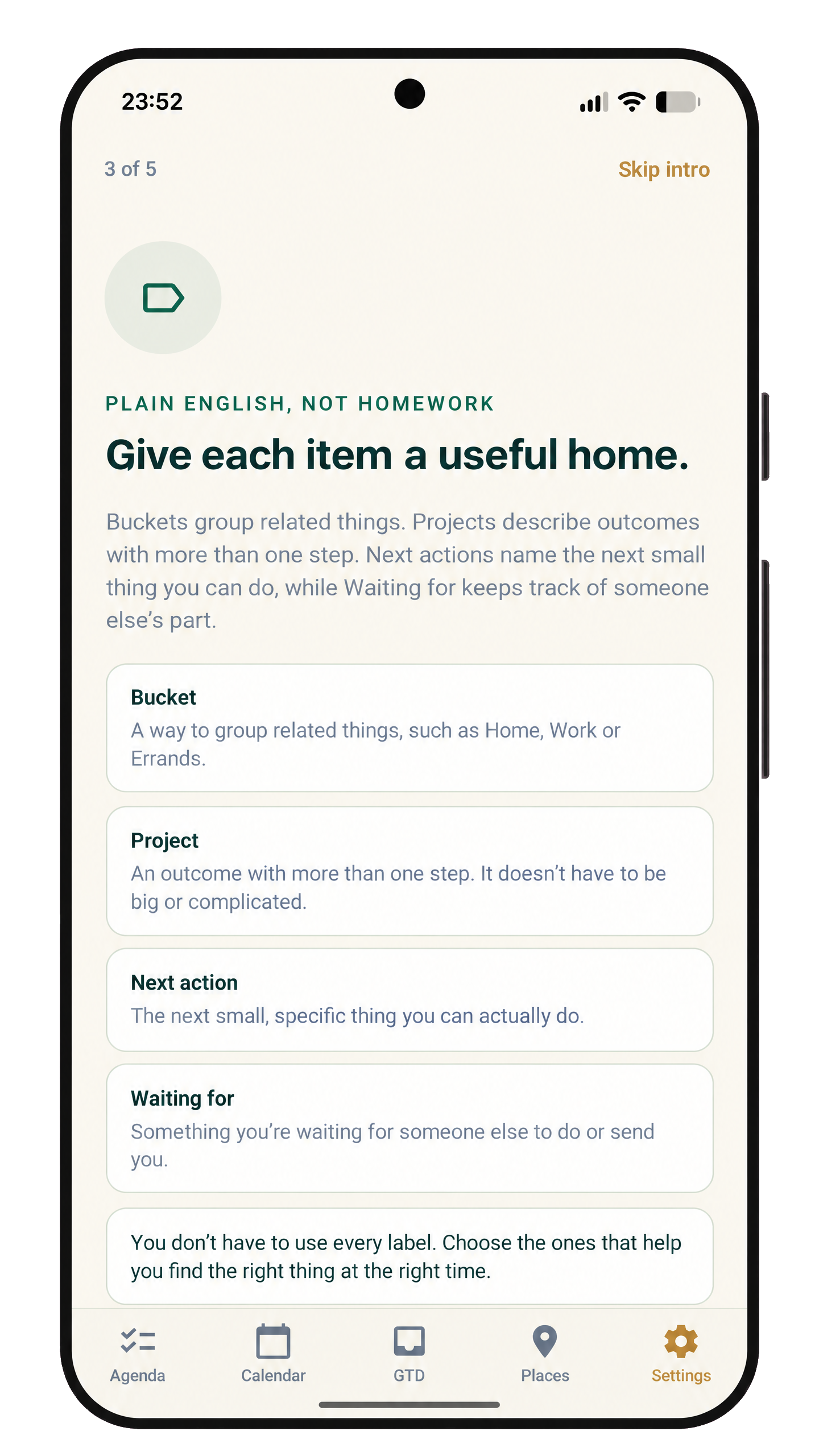
Give each item a useful homeThis onboarding screen explains Buckets, Projects, Next actions and Waiting for in plain language. It also notes that you can use only the labels that help you.
Install OutVQ
Download OutVQ
- Version
- 1.0.8 (version code 9)
- File
- outvq.apk (66 MB)
- Works on
- Android phones and tablets
- SHA-256
- 28432fb1f11960a26e124e0eed4720dbdbd84a73f18bbe1818a225b2609d13aa
How to install
OutVQ is not on Google Play, so Android will ask you to allow the install.
- Download the file on your Android device.
- Open it from your notifications or the Downloads app.
- If asked, allow your browser or file manager to install unknown apps.
- Tap Install, then open OutVQ.
Only install APKs from sources you trust. You can compare the SHA-256 value above with the file you downloaded.